
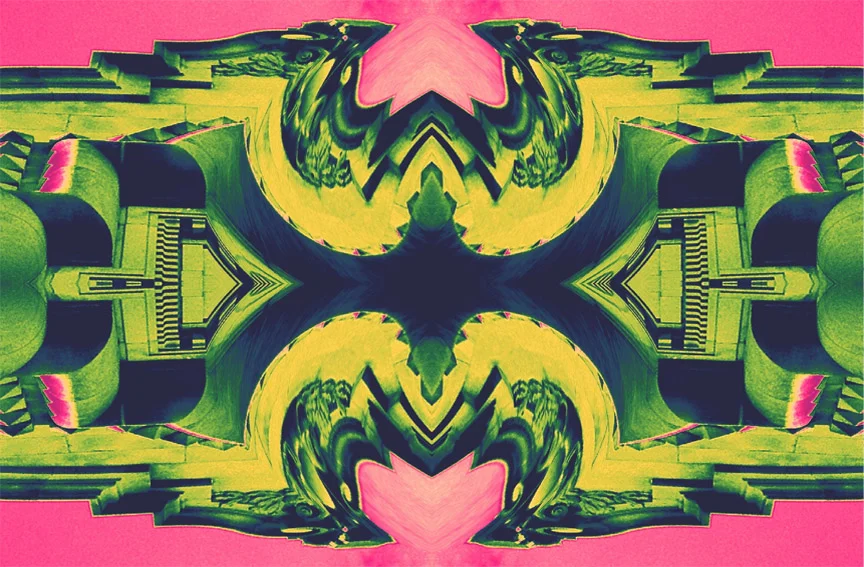
There are so many fun i-phone apps out there nowadays, how can you resist playing with them? But it can be hard to know where to start. As a graphic artist and gadget lover I've spent many diverting hours playing with my iPhone photo-apps. Lately I've especiallyloved turning mundane images into abstract and artful patterns using a variety of apps. In this post I share with you some of my favorite apps along with a brief description of what they are best for, and if you'll indulge me, I'd love to show you a few of my recent pics too!
Retouching Apps:
- CP Pro: this is my favorite app. I love, love, love it and it has so many great pre-sets and effects. Strangely not much is written about it out there.
- Snapseed: for subtle shifts and more natural effects most everyone I've met swears by this app. I'd say it's currently my second fave.
- Brushes: for painting or hand coloring photographs. I love using this to doodle facial hair on loved ones. Tres diverting!
- Osmo leaker: for light leak effects, and fun colorful light blurs.
- Swanko Lab: to experience a darkroom like effect with different developing times and chemicals they even let you shake the photo around in a the photo bath.
- Camera Plus: an app you take photos within and then can alter all within the same app. Haven't really used this one that much.
Novelty Photo Apps:
- easyTitler: for adding text to images with a good assortment of fonts and a very simple to use frame work this is a must for bloggers.
- PhotoFunia: cheesy effects - it's just meh but, my little sister told me about it so I downloaded it.
- ColorSplash: coloring one item in a photo. Personally I think this is a pretty cheesy effect to put on photos but sometimes it works.
- Halftone: turning photos into comic-book like frames. My geeky comic book buddies love this!
- Mr. Chiizu: goofy doodle-esque borders, animals, and cartoony effects. Your inner japanese schoolgirl will jump for joy if you get this one.
Easy Layout and Frame Apps:
- Fuzel Pro: diverse shapes, and grids and it gives you the option to create your own shapes. This is my new fave for formatting layouts.
- Pic Frame: lots of pre-set shapes to choose from just import your photos into them.
Things I want to try:
- wacom tablets (can't decide if it's time for this splurge yet)
- the VSCO app because I've been hearing good things
Do you have any suggestions? These are just the ones currently on my phone but I'm open to hearing about your favorites too!
camapps_01post
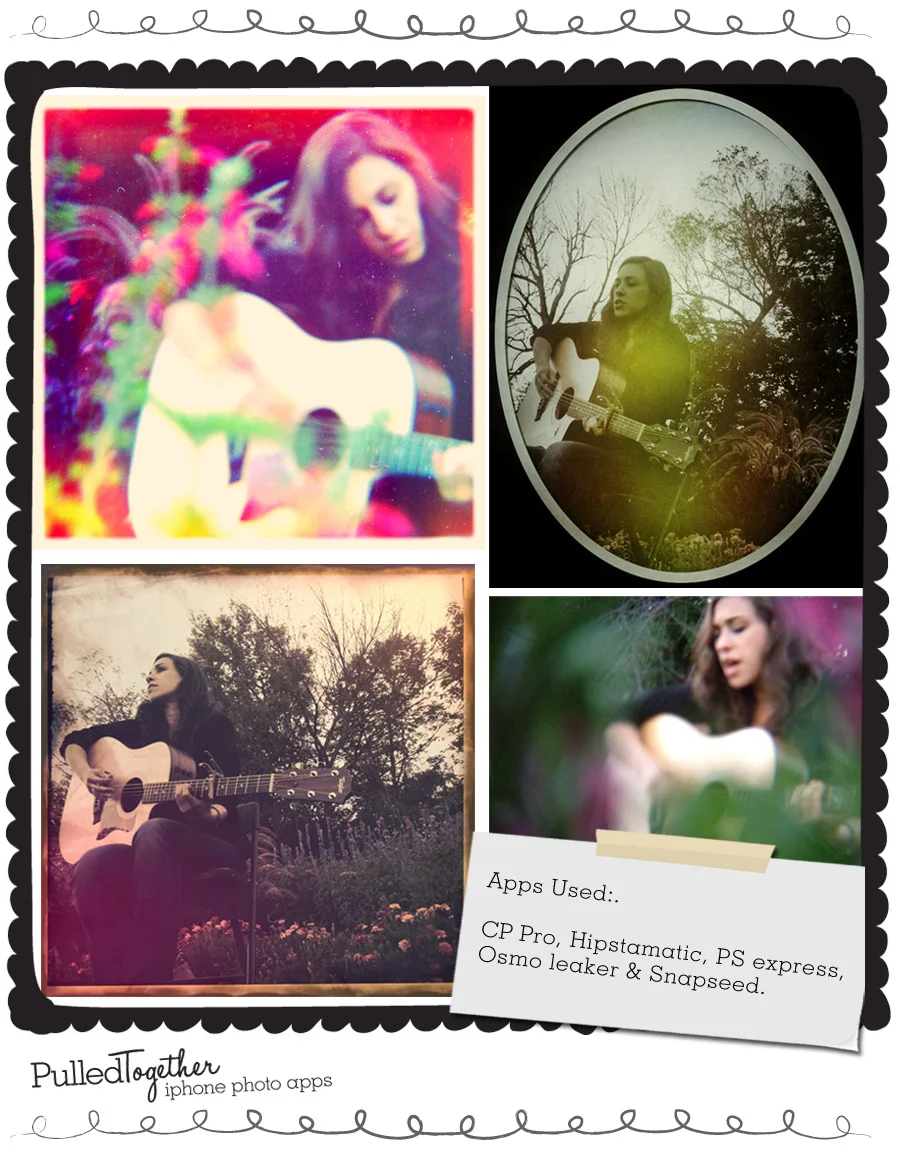
One beautiful evening in the park I took these pictures of our lovely friend and songstress, Michele Riganese. The greatest thing about the iphone is that it has a really great camera feature and it fits in your pocket. Which means it's perfect for portraiture. For me shooting a good portrait is the closest I'll ever come to hunting. I was literally stalking Michele from the bushes to get these pictures of her. I love capturing an aspect of a person I love in a shot. Michele is so serene and at peace in these photos and It makes me happy to have witnessed that.
I experimented with my photo Jojo ultimate lens set . There was a lovely garden all around us and I wanted to experiment with my macro lens.
By shooting from behind the flowers I was able to get soft and beautiful framing of color around Michele. What I was hoping to show here is the wonderful range you can get from mixing and matching apps. Some dark and moody images and some sweet and vibrant. I left the photo in the bottom right corner untouched and I kinda love it sometimes you don't need the fancy apps.
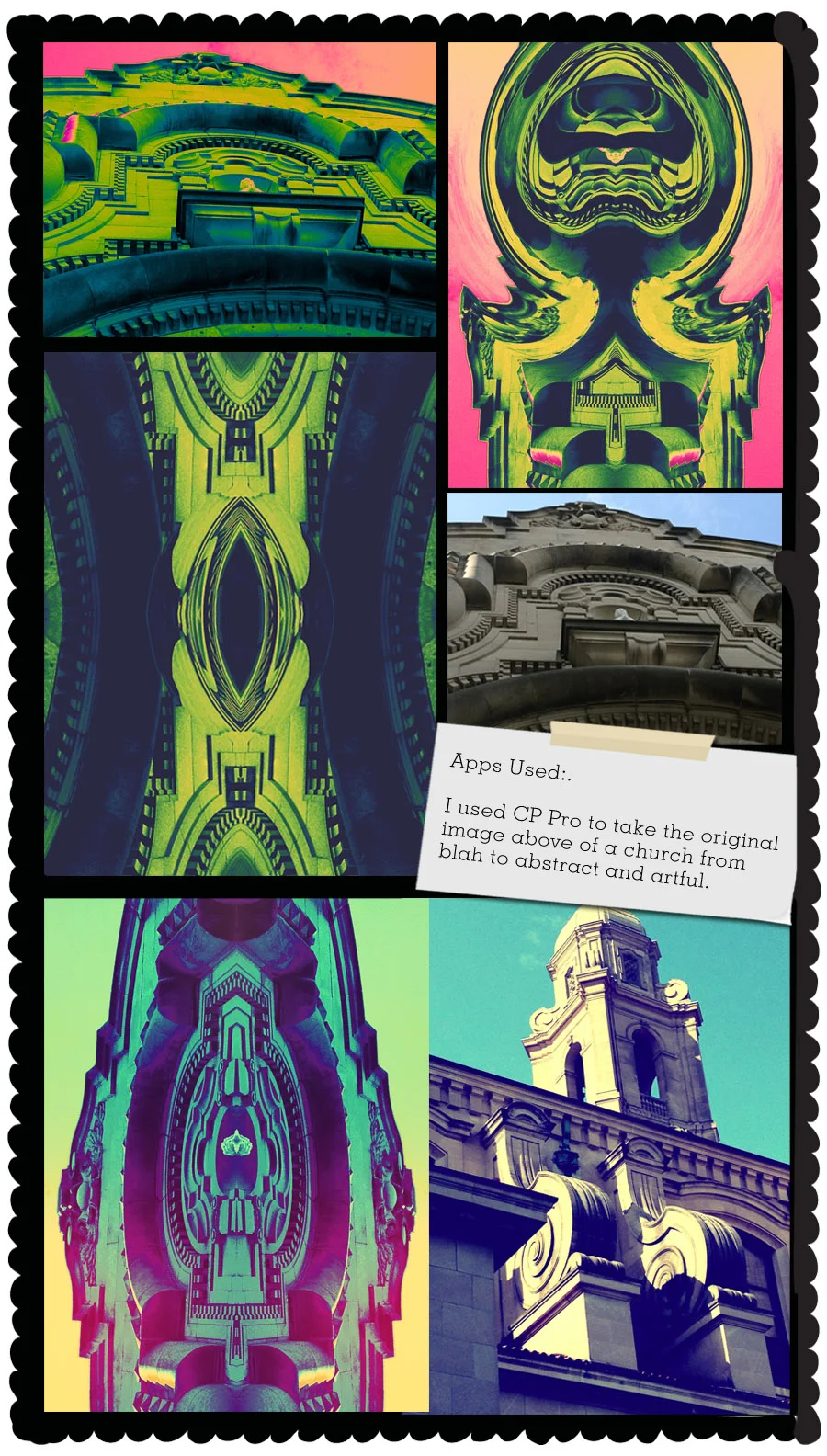
Lately, I've been trying to transform photos of ordinary buildings that seem just blah or so-so into beautiful patterns. It baffled me that some of the images I was taking were "OH WOW" moments when I saw something and then "Oh bummer" moments when I saw the photo on my phone. I was am so drawn to forms in architecture but stone and rust don't always make for the most interesting pics.
For example when I was in Omaha of all places and there was this beautiful spanish renaissance revival church (pictured above) and the shapes on the building were stunning. It was so huge and whimsical almsot mythical. I wanted to relish that form and highlight it so that I would have a image that felt like what I experienced when I stood beneath the buttresses of that cathedral. It took a few hue, saturation adjustments and some symmetrical mirroring to finally communicate visually the feeling of that place successfully.
camapps_03post
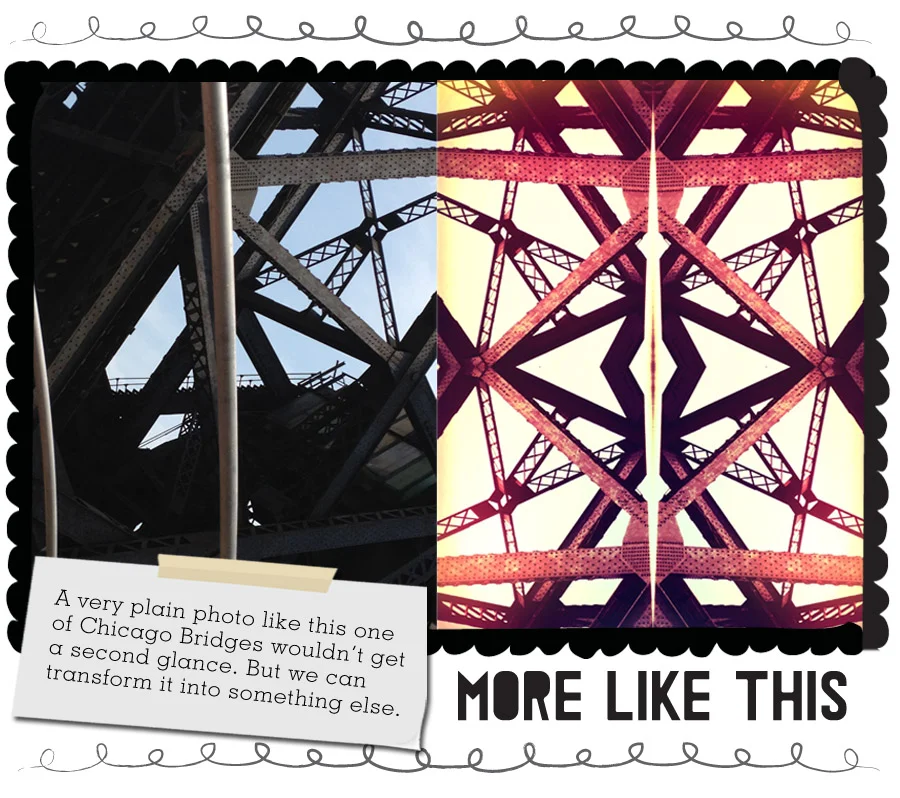
Above, you can see more of my continued exploration with architecture as pattern in the before and after shots above. Now go get you some!
Get out there and snap some snaps then mess about with some apps.
Here are some of my favorite posts on I-phoneography posts to get you excited:
- great blog by Kris Atomic. Tips on what to buy and try
- I loved this great post from Beautiful Mess about photography for blogging.
- Elsie's favorite Apps - can you tell I love A beautiful mess!
- I want to try the VSCO app
- finally lenses and gadgets can be a blast to play with. Photo Jojo's store is the best.